玩转Android---UI篇---EditText(编辑框)
?
}
}
main.xml布局文件
?
<?xml version="1.0" encoding="utf-8"?>
<LinearLayout xmlns:android="http://schemas.android.com/apk/res/android"
?? ?android:orientation="vertical"
?? ?android:layout_width="fill_parent"
?? ?android:layout_height="fill_parent"
?? ?>
?? ?<EditText
?? ?android:layout_width="fill_parent"
?? ?android:layout_height="wrap_content"
?? ?android:id="@+id/numberone"
?? ?android:hint="请输入数字"
?? ?/>
?? ?<TextView
?? ?android:layout_width="fill_parent"
?? ?android:layout_height="wrap_content"
?? ?android:id="@+id/symbol"
?? ?android:text="@string/symbol"
?? ?/>
?? ?<EditText
?? ?android:layout_width="fill_parent"
?? ?android:layout_height="wrap_content"
?? ?android:id="@+id/numbertwo"
?? ?android:hint="请输入数字"
?? ?/>
?? ?<Button
?? ?android:layout_width="fill_parent"
?? ?android:layout_height="wrap_content"
?? ?android:id="@+id/mybutton"
?? ?android:text="@string/calculate"
?? ?/>
</LinearLayout>
result.xml布局文件,用于显示结果
<?xml version="1.0" encoding="utf-8"?><LinearLayout??xmlns:android="http://schemas.android.com/apk/res/android"??android:layout_width="wrap_content"??android:layout_height="wrap_content">??<TextView??android:layout_width="fill_parent"??android:layout_height="wrap_content"??android:id="@+id/textview"??/></LinearLayout>
strings.xml文件
<?xml version="1.0" encoding="utf-8"?><resources>?? ?<string name="hello">Hello World, Calculater!</string>?? ?<string name="app_name">Calculater</string>?? ?<string name="symbol">除以</string>?? ?<string name="calculate">计算结果</string>?? ?<string name="result">计算结果</string>?? ?<string name="exit">退出</string>?? ?<string name="about">帮助</string></resources>
注意:要在AndroidManifest.xml中注册Result.java,否则运行会出错?</activity><activity android:name=".Result" android:label="@string/result"></activity>
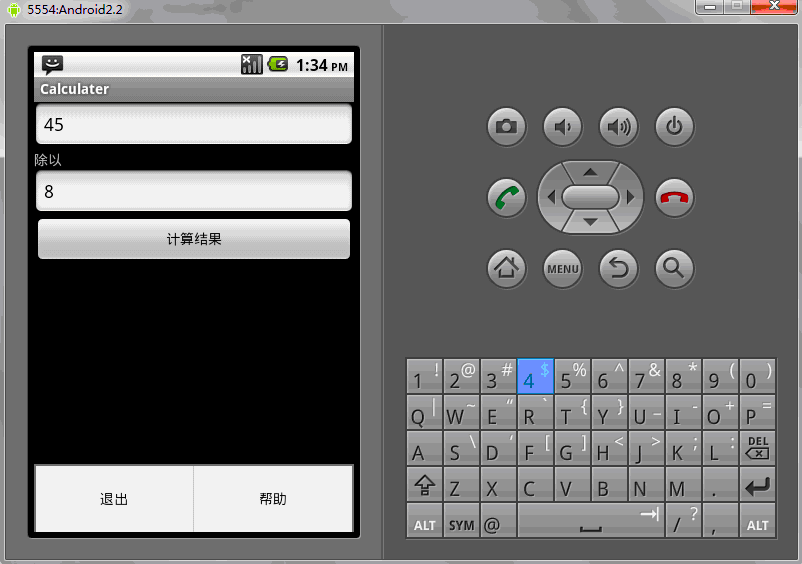
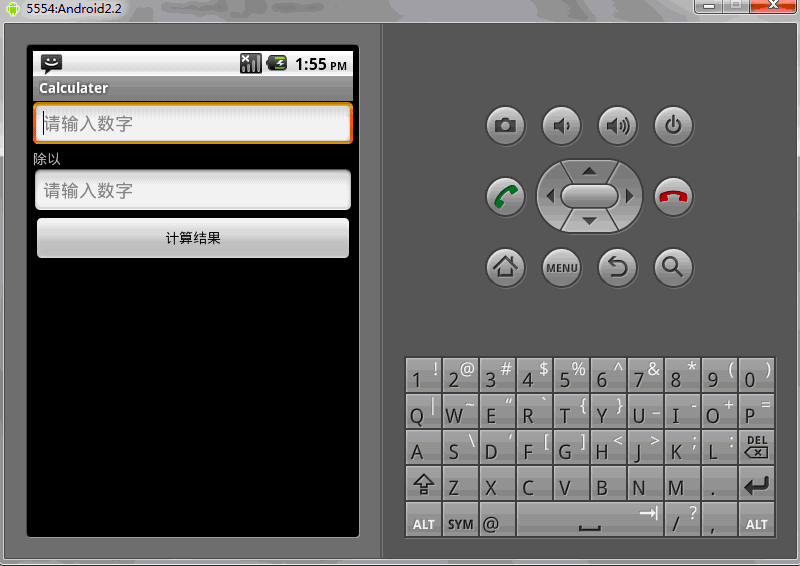
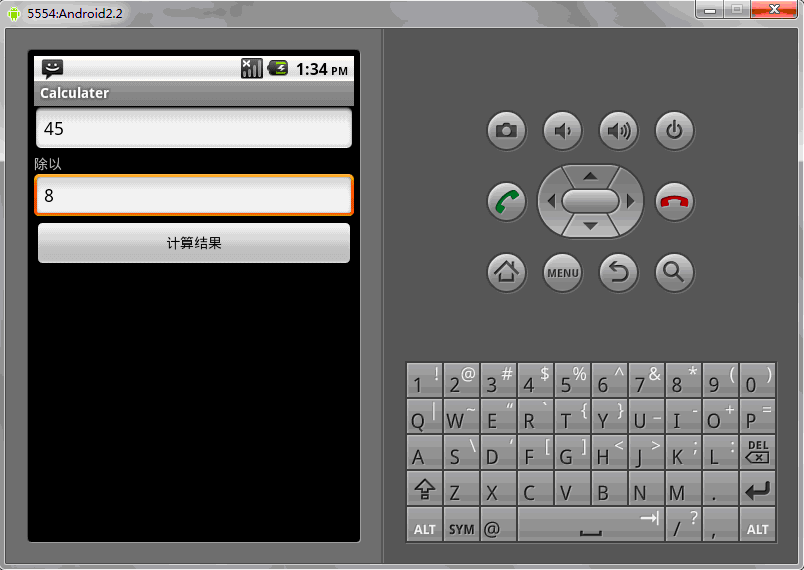
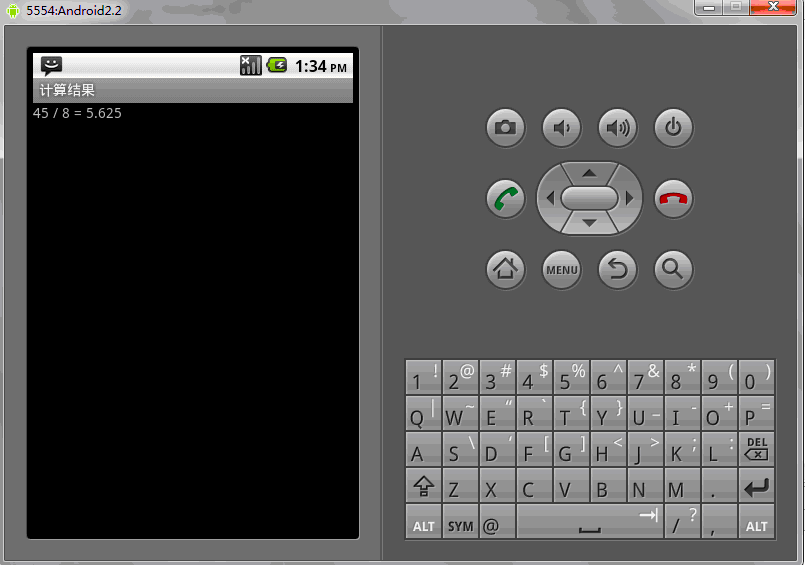
运行结果:
?
?
?