Supersocket 如何使用 教程1
This guide will introduce how to create a simple command line socket application using SupperSocket application framework.
?
About SuperSocket: http://www.cnblogs.com/jzywh/archive/2010/06/09/supersocket.html
?
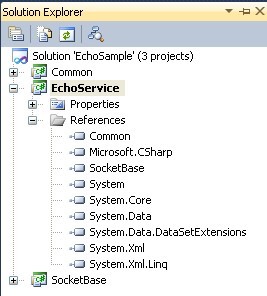
1. Create a new project named “EchoService” in a new empty solution2. Add the project “SocketServiceCore”(which is belong to SuperSocket) into the solution, and then let the project “EchoService” reference it
3. Add session class and server class
EchoSession.cs
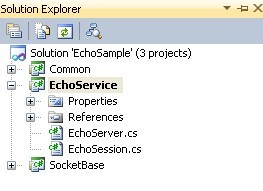

ECHO.cs
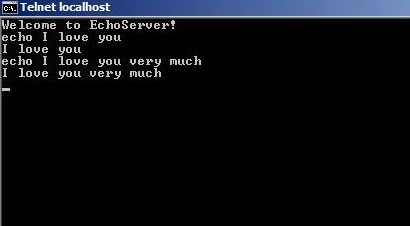
7. Click “RunServer.bat” and then enter “start” to start the server, then you can test the echo server by telnet (you also can click "InstallService.bat" to intsall the server application as windows service, the service name is defined in appSetting of app.config with the key "ServiceName")