关于浮动(图片左浮动 文字右浮动)在ie和chrome上的显示效果不一致问题
才学css没多久 在http://www.w3school.com.cn/css/css_positioning_floating.asp上的教程上 看到这个图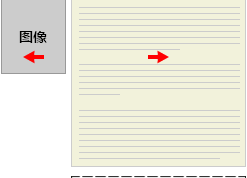
于是代码之
html部分: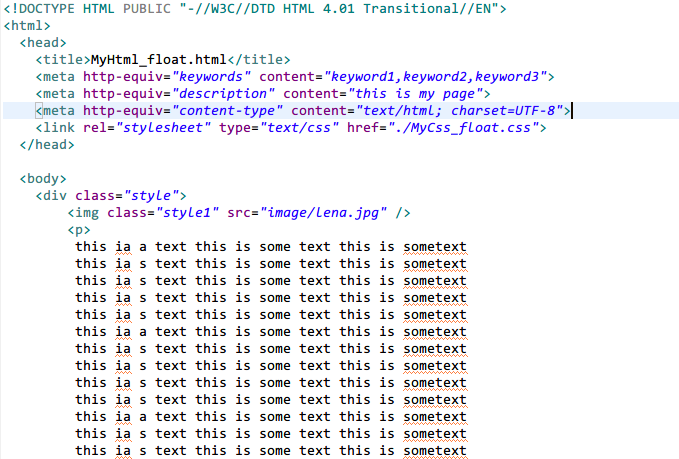
css部分: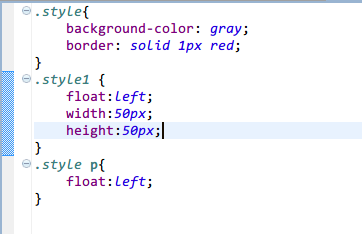
ok! 完成后 用ie打开效果无误 :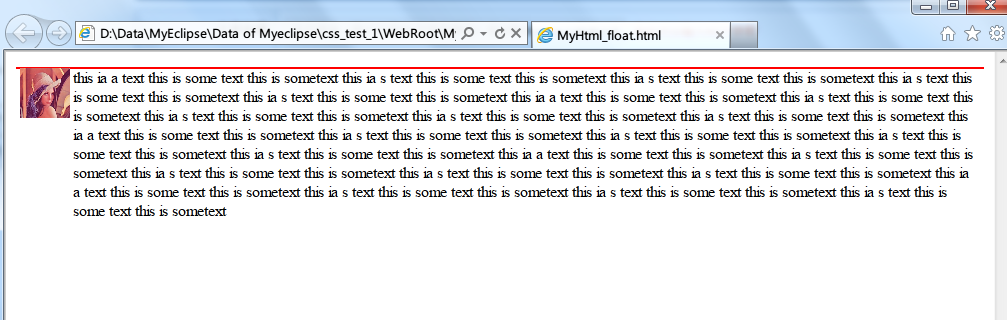
但是用chrome打开就有问题了: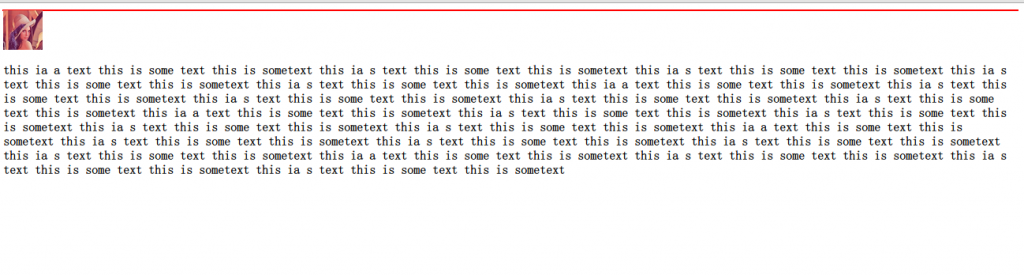
请问这是什么情况呢? 是否是浏览器的解析的问题?
[解决办法]
w3c浏览器下要定宽,要不内容全部显示在一行,内容很长超过可以float的右边宽度就掉下去了
你那种要求直接下面就行了,增加一个p容器干嘛。。
<!DOCTYPE HTML PUBLIC "-//W3C//DTD HTML 4.01 Transitional//EN">
<html>
  <head>
    <title>Float</title>
    <meta http-equiv="content-type" content="text/html;charset=utf-8" />
    <style type="text/css">
    .style{background-color:Gray;border:solid 1px red;overflow:hidden;zoom:1}
    .style1{float:left;width:50px;height:50px;}
    </style>
  </head>
  <body>
    <div class="style">
      <img class="style1" src="adsl.JPG" />

        this is a text is some text this is sometext
        this is a text is some text this is sometext
        this is a text is some text this is sometext
        this is a text is some text this is sometext
        this is a text is some text this is sometext

    </div>
  </body>
</html>