Android--GestureOverlayView,手势识别
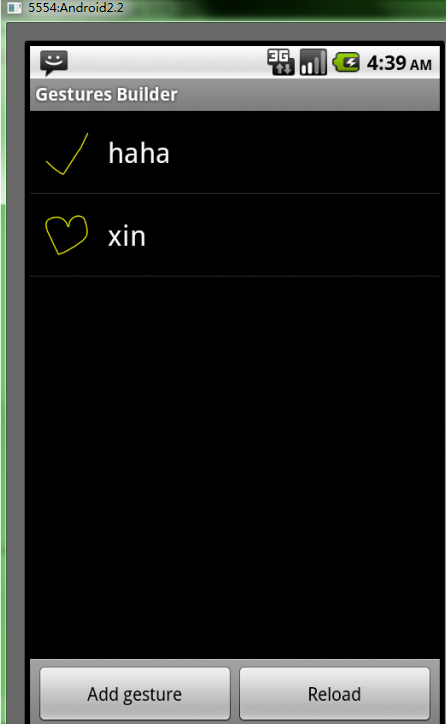
打开模拟器,打开软件:
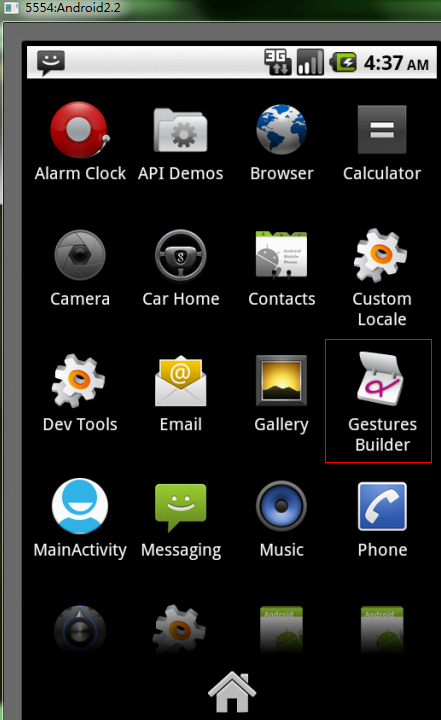
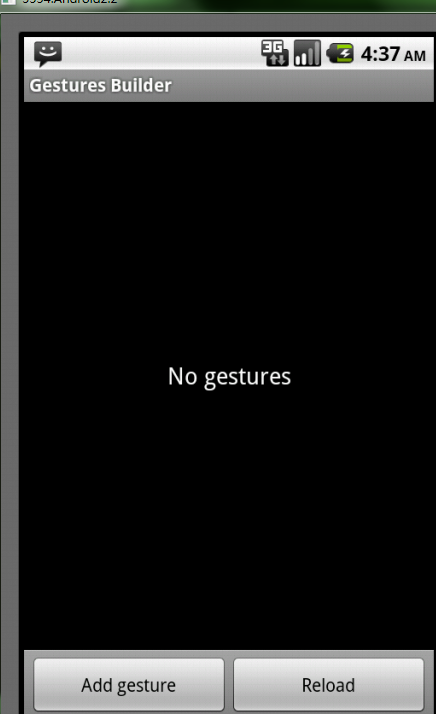
点击Add gesture 新建手势:
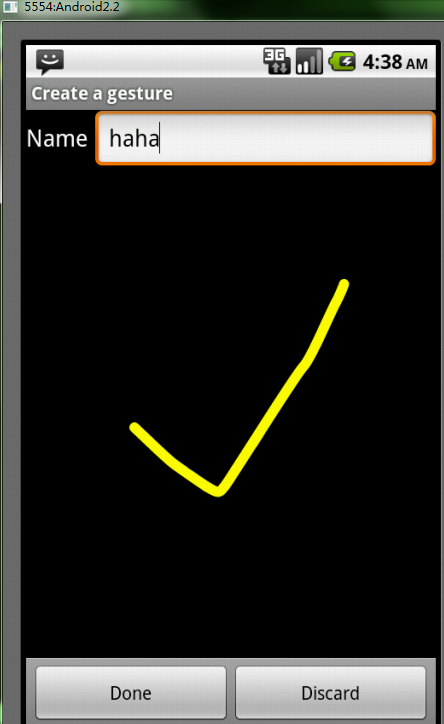
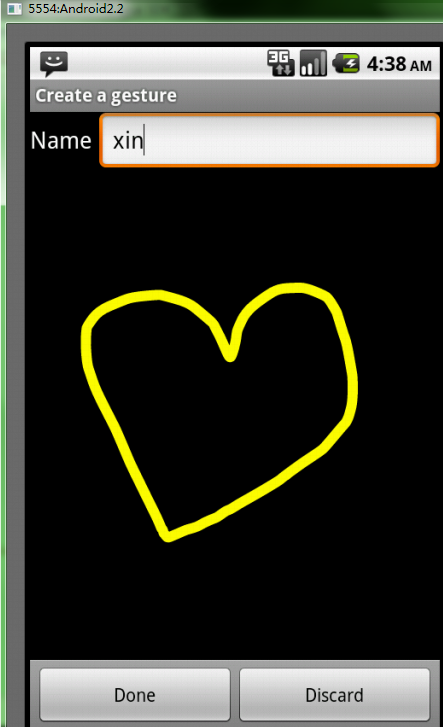
这个例子我们用两个手势
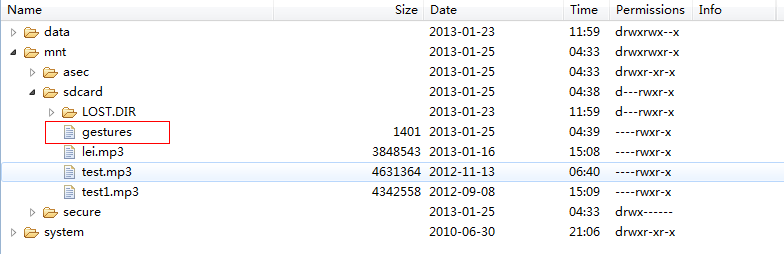
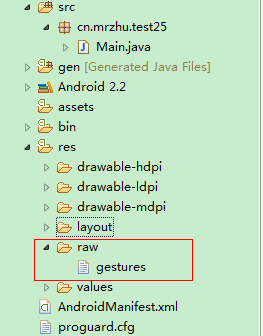
将手势识别库从sdcard卡中导出,在res文件下新建raw文件,将导出的gesture文件粘贴到raw文件下
Java代码:
package cn.mrzhu.test25;import java.util.ArrayList;import android.app.Activity;import android.gesture.Gesture;import android.gesture.GestureLibraries;import android.gesture.GestureLibrary;import android.gesture.GestureOverlayView;import android.gesture.GestureOverlayView.OnGesturePerformedListener;import android.gesture.Prediction;import android.os.Bundle;import android.widget.Toast;/** * 手势识别 * @author root * */public class Main extends Activity {private GestureOverlayView gov;private GestureLibrary gl; /** Called when the activity is first created. */ @Override public void onCreate(Bundle savedInstanceState) { super.onCreate(savedInstanceState); setContentView(R.layout.main); //从资源文件中将手势库加载进来 gl = GestureLibraries.fromRawResource(this, R.raw.gestures); gl.load(); //从xml中取出GestureOverlayView控件 gov = (GestureOverlayView) findViewById(R.id.gestureOverlayView1); //为GestureOverlayView控件添加监听 gov.addOnGesturePerformedListener(new OnGesturePerformedListener() {@Overridepublic void onGesturePerformed(GestureOverlayView overlay, Gesture gesture) {//识别手势,返回一个类型为Prediction的列表ArrayList<Prediction> list = gl.recognize(gesture);Prediction pre = list.get(0);//如果匹配度大于1,表示可以识别,否则提示无法识别 if(pre.score > 1){//判断名字是否与手势库的名字相同if(pre.name.equals("haha")){Toast.makeText(Main.this, "Recognize the haha", Toast.LENGTH_SHORT).show();}else if(pre.name.equals("xin")){Toast.makeText(Main.this, "Recognize the xin", Toast.LENGTH_SHORT).show();}}else{Toast.makeText(Main.this, "Can't Recognize", Toast.LENGTH_SHORT).show();}}}); }}
main.xml代码:
<?xml version="1.0" encoding="utf-8"?><LinearLayout xmlns:android="http://schemas.android.com/apk/res/android" android:layout_width="fill_parent" android:layout_height="fill_parent" android:orientation="vertical" > <android.gesture.GestureOverlayView android:id="@+id/gestureOverlayView1" android:layout_width="fill_parent" android:layout_height="fill_parent" > </android.gesture.GestureOverlayView></LinearLayout>